Published on: May 11, 2026
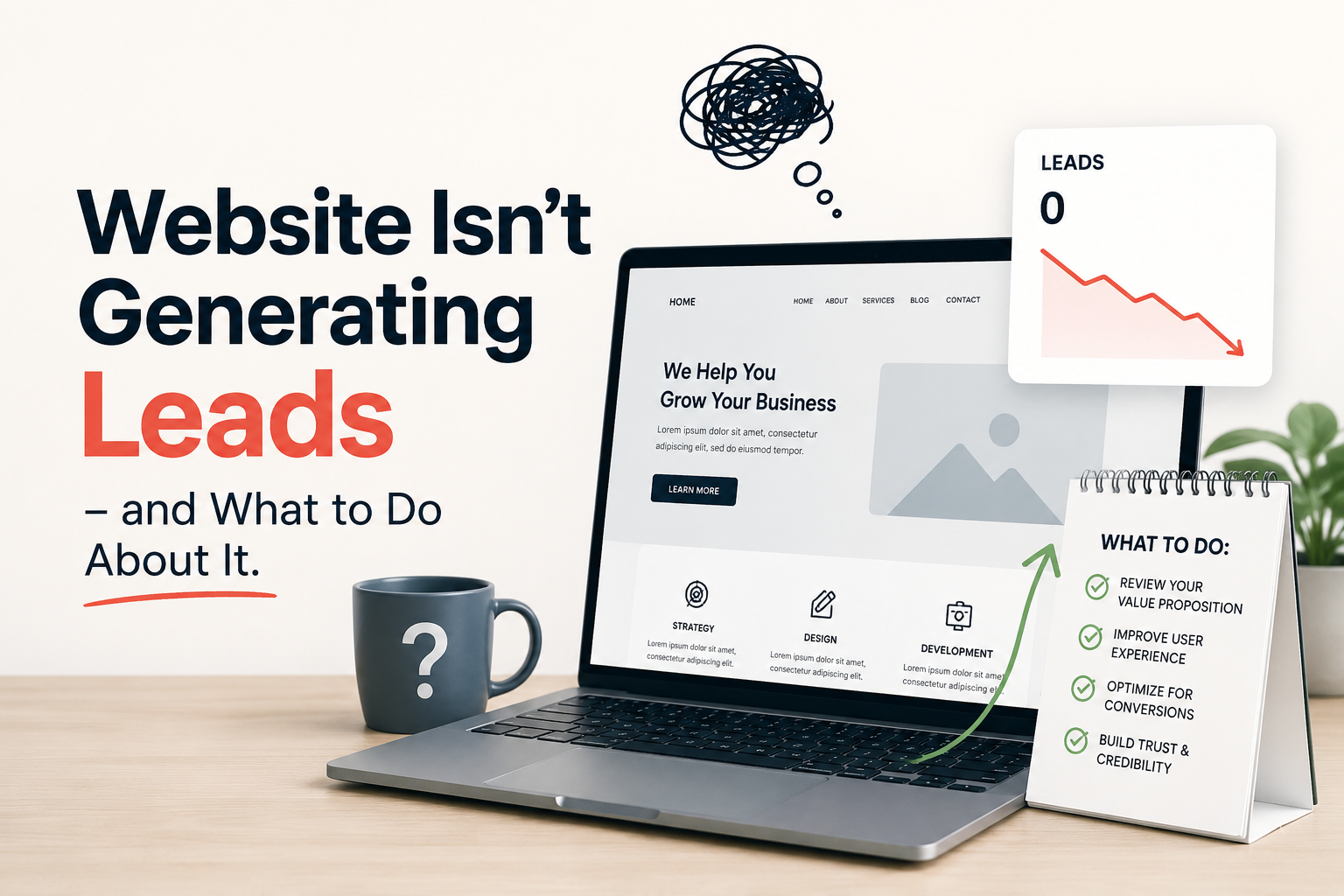
Why Your Website Isn’t Generating Leads – and What to Do About It
[8 mins read]

You have a website. It looks professional. It describes what you do. People visit it.
And then nothing happens.
No contact form submissions. No enquiry emails. No booked calls. Just traffic that arrives and leaves without converting into anything useful for your business.
This is one of the most common frustrations small business owners bring to us — and it is almost never caused by what they think is causing it. Most assume the problem is not enough traffic. In reality, the problem is almost always conversion — what happens to visitors after they arrive.
This post walks through the seven most common reasons small business websites fail to generate leads, and what to do about each one.
First: diagnose whether you have a traffic problem or a conversion problem
Before fixing anything, it helps to know which problem you actually have.
A traffic problem means not enough people are finding your website. If your site gets fewer than 200–300 visitors per month, increasing traffic is the priority.
A conversion problem means people are finding your website but leaving without contacting you. If your site gets reasonable traffic — even a few hundred visitors a month — but generates no enquiries, the issue is not visibility. It is what happens when visitors arrive.
Most small business websites with an existing online presence have a conversion problem, not a traffic problem. The fixes are different, and spending money on ads or SEO to drive more traffic to a website that does not convert is one of the most expensive mistakes in small business marketing.
Check your Google Analytics or Search Console data first. If you have traffic and no leads, read on.
Reason 1: Your homepage does not clearly answer the three questions every visitor asks
Every visitor who lands on your website — regardless of how they found you — is silently asking three questions within the first five seconds:
→ What does this business do?
→ Is it relevant to my situation?
→ What should I do next?
If your homepage does not answer all three immediately, visitors leave. Not because they are in a hurry, but because the cognitive effort of figuring out the answers is not worth it when another option is one click away.
The fix is simple but requires honesty: read your own homepage headline and ask whether a stranger with no prior knowledge of your business would know exactly what you do and who you serve within five seconds. If the answer is no, rewrite the headline. It should say what you do, who you do it for, and ideally the outcome you produce — in one sentence.
A weak headline: “Empowering businesses through innovative marketing solutions.”
A strong headline: “Fractional marketing teams for Texas small businesses — strategy and execution without the full-time overhead.”
Reason 2: Your calls to action are too passive
A call to action (CTA) is the instruction you give visitors about what to do next. Most small business websites have CTAs that are too vague, too buried, or too timid to actually drive action.
Common weak CTAs: “Learn more.” “Get in touch.” “Contact us.”
These are not bad — they are just not specific enough to motivate action. A visitor who is not already sold on your business will not be compelled by “contact us.” They need to know what happens after they contact you, and why they should do it now.
Stronger CTAs are specific about the next step and what the visitor gets:
“Book a free 30-minute marketing assessment.“
“Get your free AI visibility audit.“
“See how a fractional team works — no commitment required.”
Every key page on your website — homepage, service pages, blog posts — should have at least one specific, benefit-led CTA visible without scrolling.
Reason 3: You have no content that matches what buyers search for before they are ready to buy
Most small business websites only speak to buyers who have already decided they want the service. The homepage and service pages assume the visitor is ready to enquire.
But the majority of your potential customers are earlier in the journey. They are searching for answers to questions —
“How much does marketing cost for a small business,”
“What is a fractional marketing team,”
“Why is my website not getting leads”
– before they are anywhere near ready to contact a supplier.
If your website has no content that answers those early-stage questions, you are invisible to the largest segment of your potential market.
Blog posts, FAQ sections, and educational guides that address the questions your buyers are asking at every stage of their journey are what turn a passive website into a lead generation engine. This is also exactly what builds AI visibility — because those same question-format pieces are what AI platforms cite when buyers ask those questions.
Reason 4: Your contact process has too much friction
Count the steps between a visitor deciding they want to contact you and actually completing that contact. For many small business websites, the number is surprisingly high: find the contact page, fill in five or more form fields, submit, wait for confirmation, wait for a response.
Every additional step loses a percentage of the people who were willing to reach out. Form fields are particularly damaging — every field you add beyond name, email, and message reduces completion rates.
The fix: simplify your contact form to the minimum fields you genuinely need. Add a phone number in the header so visitors who prefer calling can do so immediately. Consider adding a calendar booking link — tools like Calendly allow visitors to book directly into your calendar without any back-and-forth, which removes one of the biggest conversion barriers for service businesses.
Also check that your contact form actually works. Test it yourself, right now, from a phone. Many small business websites have forms that are broken on mobile, send submissions to an unmonitored inbox, or produce no confirmation message — and the business owner has no idea.
Reason 5: Your service pages do not address the buyer’s real concerns
A service page that only describes what you do is doing half the job. The other half is addressing the concerns and objections that prevent buyers from taking action.
For most small businesses, those concerns are predictable: How much does this cost? How long does it take? Have you done this for a business like mine? What happens if it does not work?
A service page that ignores these questions forces the buyer to either contact you to find out (many will not bother) or leave and find a competitor who does answer them.
The fix: add a FAQ section to every service page that addresses the real questions buyers have before contacting you. Be specific about pricing ranges even if you cannot give exact quotes. Describe your process step by step. Address the most common objections directly.
This also happens to be exactly what improves your AI visibility — service pages with detailed, question-structured FAQs are among the most commonly cited content in AI-generated answers.
Reason 6: Your website is too slow on mobile
More than half of all web traffic now comes from mobile devices. If your website takes more than three seconds to load on a phone, a significant percentage of visitors will leave before they see a single word of your content.
Page speed is both a conversion issue and an SEO issue — Google actively penalizes slow sites in rankings, and slow load times are one of the most reliable predictors of high bounce rates.
Test your site speed right now using Google’s free PageSpeed Insights tool (pagespeed.web.dev). If your mobile score is below 70, this is a priority fix. Common causes include uncompressed images, too many plugins, and unoptimized hosting — all of which a developer can address in a few hours.
Reason 7: You have no trust signals on the page
A visitor who has never heard of your business is making a trust decision every time they consider contacting you. Trust signals — proof that you are real, credible, and capable — dramatically improve conversion rates.
For small businesses, the most effective trust signals are: genuine client testimonials with the client’s name and company, case studies or results descriptions (even anonymised ones framed as ranges rather than specific numbers), professional photos of the actual team rather than stock images, and clear business details including a physical address and phone number.
If your website currently has none of these, adding even two or three will meaningfully improve how many visitors take the step of contacting you.
Putting it together: a practical fix sequence
If you recognise multiple issues from the list above, here is the order in which to address them — prioritised by impact:
1. Fix your homepage headline so it clearly communicates what you do and who for
2. Test and simplify your contact form — remove unnecessary fields, add a calendar link
3. Update your service page CTAs to be specific and benefit-led
4. Add a FAQ section to each service page addressing cost, process, and common objections
5. Test your mobile page speed and fix any issues scoring below 70
6. Add two to three genuine trust signals — testimonials, results descriptions, team photos
7. Start publishing blog content that answers early-stage buyer questions
You do not need to do all of this at once. Prioritising the first three items alone will typically produce a meaningful improvement in conversion within thirty days.
When to bring in outside help
If you have worked through this list and your website is still not converting, the issue is likely one of two things: either your positioning is unclear and needs strategic work before any tactical fix will help, or your content is not yet substantial enough to build the trust and authority that drives enquiries from cold traffic.
Both of these are solvable — but they take longer than a quick homepage edit and benefit significantly from specialist input.
iFlow’s fractional marketing teams work with small businesses to diagnose exactly where the conversion breakdown is happening and build the content, structure, and strategy to fix it. If your website is getting traffic but not leads, a free marketing assessment is a good starting point.
Book a free marketing assessment with iFlow
Frequently Asked Questions
The most common reasons are: your homepage does not clearly communicate what you do and for whom, your calls to action are too vague to motivate contact, your service pages do not address buyer concerns and objections, your contact form has too many steps or is broken on mobile, or you lack trust signals that give visitors confidence in your business. Traffic and conversion are separate problems — more traffic will not fix a conversion issue.
As a rough benchmark, a well-converting small business website with clear messaging and strong CTAs should generate one to three enquiries per hundred relevant visitors. If you are getting 300 or more monthly visitors from relevant search terms and generating no enquiries, you have a conversion problem that more traffic will not solve.
Simple fixes — improving your headline, simplifying your contact form, and adding specific CTAs — can show results within two to four weeks. Content-driven improvements — FAQ sections, blog posts, trust signals — typically compound over two to three months as they get indexed and begin driving relevant traffic.
Rarely. Most small business website conversion problems are caused by messaging, content, and structural issues that can be fixed without a full redesign. A new design on a website with unclear messaging and weak CTAs will still not convert. Fix the fundamentals first — redesign if the site is technically broken or more than five years old.
For a B2B service business, a conversion rate of 1–3% — meaning one to three enquiries per hundred visitors — is a reasonable benchmark. Highly targeted local service businesses can achieve higher rates. If your current rate is below 0.5%, the issues are likely fundamental— messaging, trust signals, and CTA clarity — rather than fine-tuning issues.
Related Reading
What is a fractional marketing team — and does my small business need one?
SEO and Content marketing for SMBs: A Practical Guide
How to Get Your Business Found on ChatGPT, Gemini, Claude, Copilot or any other LLM?